Package Information
Available Nodes

Documentation
n8n-nodes-statemachine

n8n "simple" state machine is storing your nodes/workflow state globally or workflow level
What is the state machine?
A state machine refers to a programming concept where an application or workflow is divided into a series of states or steps, and the program progresses from one state to the next based on certain conditions or triggers.
How to install
Community Nodes (Recommended)
- Go to Settings > Community Nodes.
- Select Install.
- Enter
n8n-nodes-statemachinein Enter npm package name. - Agree to the risks of using community nodes: select I understand the risks of installing unverified code from a public source.
- Select Install.
After installing the node, you can use it like any other node. n8n displays the node in search results in the Nodes panel.
Manual installation
To get started install the package in your n8n root directory:
npm install n8n-nodes-statemachine
For Docker-based deployments, add the following line before the font installation command in your n8n Dockerfile:
RUN cd /usr/local/lib/node_modules/n8n && npm install n8n-nodes-statemachine
How to use
- This node has one external dependency: you need a Redis service. You can find a free Redis service Upstash or Redis Enterprise
- My suggestion is 1 trigger 1 state machine
- Always use error handler node in your workflow
Available Operations
The StateMachine node supports the following operations:
Check&Store (Default)
Default operation. Checks if a value is already stored in the state. If the value doesn't exist, it stores it and returns the stored value. If the value already exists, it returns false in the state field, allowing your workflow to continue and handle the duplicate case. This prevents duplicate processing while giving you control over how to handle existing values.
Clean
Removes a specific stored value from the state using the provided value/key. Returns true in the state field if the key was deleted, false if it didn't exist.
Error Handling
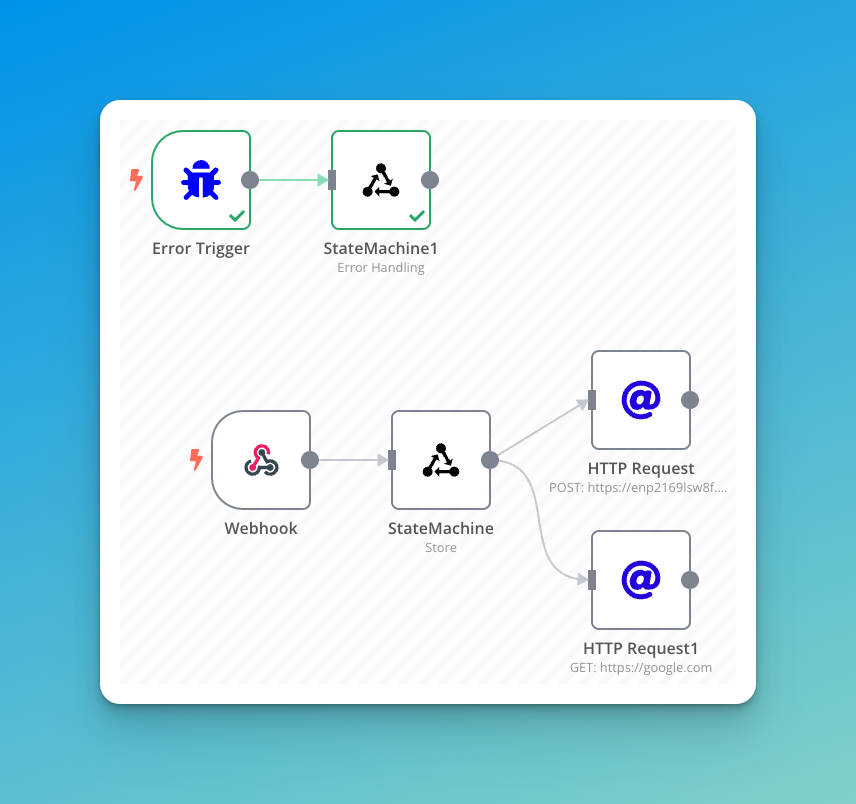
Handles errors in your workflow by cleaning up state from a previous execution. Requires the previous execution ID to identify and remove state entries from failed runs.
Exists
Checks if a value already exists in the state without storing it. Returns a boolean indicating whether the value is present.
Get
Retrieves a stored value from the state without modifying it. Returns the value if found, or false if the key doesn't exist.
Purge
Removes all stored values from the state, either globally or at the workflow level. Returns the number of keys deleted.
Store (Deprecated)
⚠️ This operation is deprecated. Use Check&Store instead, which provides the same functionality with additional duplicate prevention. The Store operation will be removed in a future version.
Demo
Working well
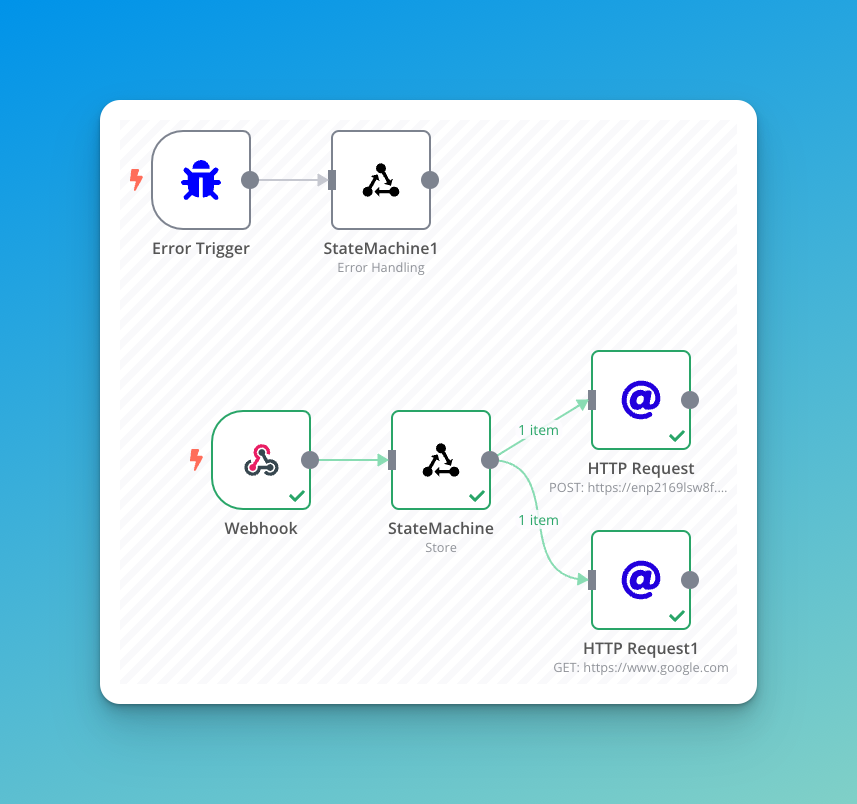
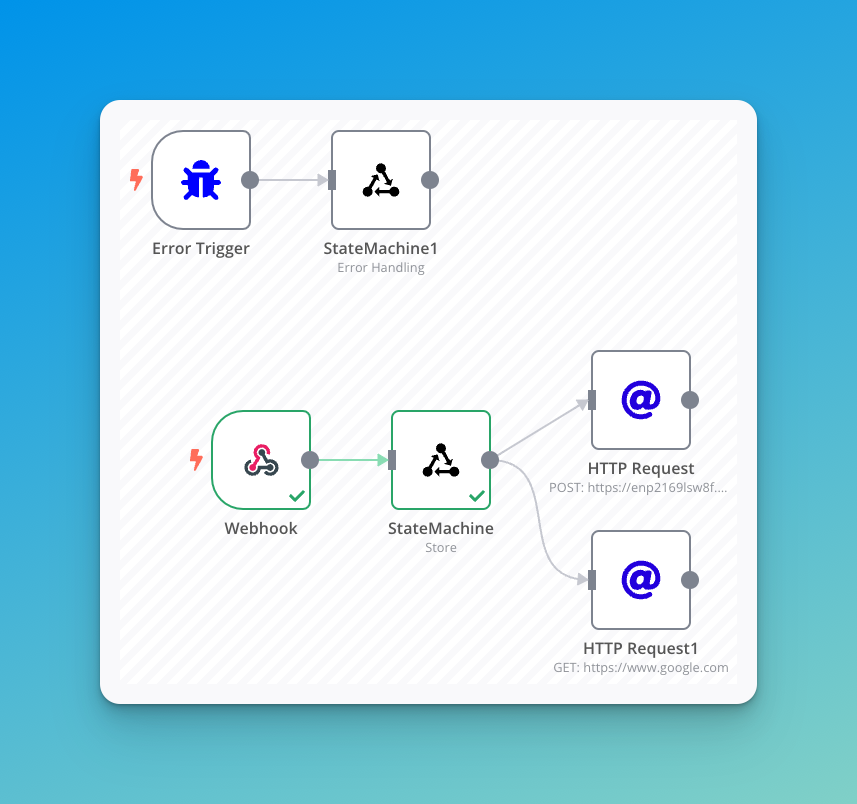
Error handling
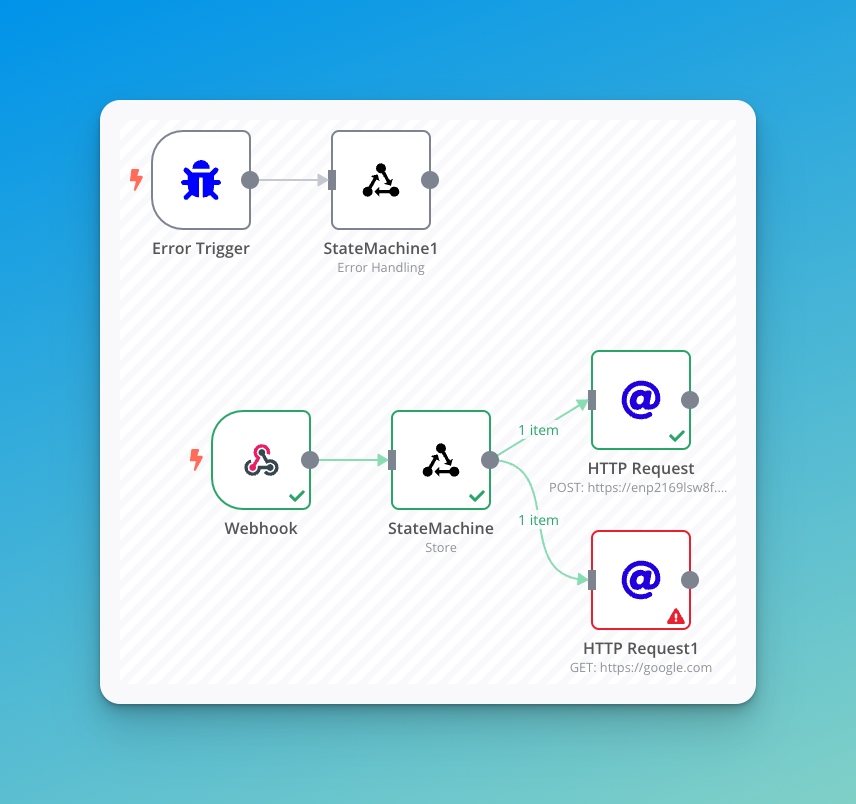
Errors
If you have any error, please open an issue on Github